Reading Your Progress, Load Screen: Push, Hold, or Back Off

The Stronkr Founder Founder, Stronkr
7 min read
On this page
Most strength progress tracking is an archive. You get a history of what you lifted, and the interpretation is left entirely to you, usually at 6am, in a spreadsheet, working out whether last week’s grind means you push, hold, or back off. Stronkr’s Progress, Load screen is built to answer that question rather than restate the question.
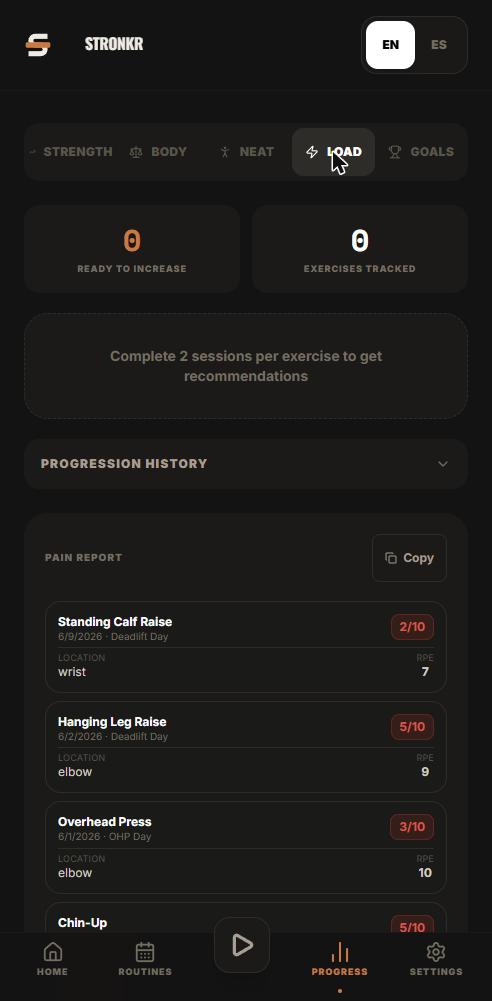
It shows two things per exercise: the progression history for that lift, and a ready-to-increase recommendation. The history is the evidence. The recommendation is the conclusion the engine drew from your logged RPE. This post is about reading both without over-interpreting either, what a genuine upward trend looks like, when a flat stretch is fine, and when the honest read is that you are due to back off rather than add five pounds.
Key takeaways
- Progress, Load is per-exercise. Your press and your deadlift do not progress at the same rate and should not be read as one number.
- The progression history is evidence; the ready-to-increase recommendation is the conclusion. You do not have to derive the second from the first.
- A flat stretch is not automatically a stall. Sessions rated in the productive range at a repeated load are still doing work.
- The recommendation already drives the load for your next session. The screen is where you check the reasoning, not where you apply it.
What This Looks Like in Stronkr
- Open Progress, Load. This is the tracking view, separate from an active session, so nothing here changes what you are lifting right now.
- Select the exercise you want to read. The screen is organised per lift, so you are looking at one movement’s story rather than an aggregate of your whole routine.
- Read the progression history for that exercise, the record of how its load has moved over the sessions you have logged.
- Read the ready-to-increase recommendation next to it. This is the engine’s answer for that lift, produced from the RPE ratings you gave its working sets.
- Close it and train. The load for your next session is already set from the same logic, so there is nothing to copy across.
That is the read, start to finish. You are not assembling it from three views or reconciling it against a spreadsheet, which is the point of prescription over recording as a design choice.
A tracker gives you the evidence and charges you the interpretation. The interpretation is the part that used to cost you a spreadsheet.
What does the ready-to-increase recommendation actually mean?
It means the ratings you gave that exercise indicate the current load has room in it. Not that you feel good, not that a calendar says week three, and not that you added weight last time so you should again. It is a read on proximity to failure at the load you actually used.
The inverse matters just as much. When the engine does not say you are ready to increase, that is information, and it is the information self-coached lifters routinely ignore because holding a load feels like standing still. It is not. Repeating a load while the ratings come down is the mechanism by which the next increase becomes possible.
The two outcomes the engine surfaces are a target increase, five pounds, say, or a deload of ten percent. There is no third state where it tells you to try harder.
How do you read progression history without over-interpreting it?
Read the shape, not the last data point. One heavy session after a bad night, a session at a different gym with different plates, or a lift you rated generously on a good day are all noise. The reason the screen shows history rather than a single most recent number is that a single number is nearly worthless for this decision.
What a healthy trend looks like
Load moving up in steps with flat sections between them, and ratings staying inside the productive band while it does. The flat sections are not failures, they are where the adaptation that permits the next step is happening.
What a genuine stall looks like
The load has not moved, and the ratings at that unchanged load are drifting upward session over session. Same weight, harder every time, is the definition of a stall and it is visible on the history before it becomes a missed rep.
What noise looks like
A single spike, a single easy session, or a two-week gap where you were travelling. None of these justify a programming change on their own. If your training moves between a commercial gym, a garage rack and a hotel basement, expect the history for some lifts to be lumpier than others.
When should you hold, and when should you back off?
Push is only one of the three answers, and it is the one most lifters default to. The other two are where the recommendation earns its place.
When holding is the right call
Hold when the last increase has not settled. Adding load twice in a row without the ratings coming back down is the most common way intermediate lifters walk themselves into a plateau, and it always looks productive right up until it does not.
Hold when the ratings at your current load are still at the top of the productive range. Hold when sleep, work or bodyweight have moved against you for a week. Hold when the exercise is one you have recently swapped, because you are recalibrating against a different movement pattern and the first few sessions of ratings are not comparable.
Holding is also the correct read on a lift that is progressing more slowly than the rest of your routine. Overhead press does not move like a deadlift, which is exactly why the screen is per-exercise and why progressive overload without a spreadsheet has to work lift by lift rather than as a global weekly bump.
If you want to see this against your own lifts rather than take it on description, the progression engine and ninety days of history are on the free tier.
When it is a deload rather than a bad day
A bad day is one session out of line with the ones around it. A deload is warranted when the ratings have been climbing at a load that has not, and the trend has held across sessions rather than appearing once. The engine’s version of that call is the deload of ten percent, and the site’s own claim for it is that it suggests a deload when your RPE spikes, before you stall.
Backing off after a miss is damage control. Backing off before one is programming.
The discipline is in accepting the call when nothing has visibly gone wrong yet. Nobody deloads happily off a session they completed. That is precisely why the decision is better made by a rule reading your ratings than by you, five minutes after a set that felt fine. There is more on the timing question in deciding when to deload without guessing.
What about PRs and volume?
They sit alongside this, not inside it. Stronkr detects PRs automatically, 1RM, 5RM, volume and estimated 1RM, so you are not scanning history looking for the session where something notable happened. Volume tracking runs in parallel.
The distinction worth keeping: PRs are outcomes, and the Progress, Load recommendation is a prescription. A PR tells you something already happened. The recommendation tells you what to do next session. Do not use the first as a substitute for the second, chasing a PR because the app noticed one is how you end up training a number rather than a program. Automatic PR detection covers what gets flagged and why.
How much history do you need before this is useful?
A handful of rated sessions per exercise. The recommendation reads your ratings against your loads, so it needs ratings, a week of logging with the RPE field skipped gives it nothing to work with.
Ninety days of history comes with the free tier, which is enough to read a block and its context. Full history is a PRO feature. For the actual decision in front of you, push, hold, or back off on this lift, this week, ninety days is more than the question requires.
Every number on this screen came from you. The only thing the engine adds is the conclusion you were drawing by hand.
Start free at stronkr.com: unlimited routines, the routine generator, RPE auto-progression, ninety-day history, volume and PR tracking, offline, no credit card. Log two weeks of honest ratings and read the screen against your own lifts.
Try auto-regulated training
Stronkr reads your RPE after every set and adjusts next session’s load for you. No spreadsheets, no guessing.
Start training with StronkrFrequently asked questions
What is the ready-to-increase recommendation based on?
The RPE you rated on your working sets for that exercise, read against the load you lifted them with. When the ratings show the load has room, the recommendation says so. When they spike, the engine calls a deload instead of another increase. It is not a fixed weekly schedule.
How is this different from a progress chart in a normal tracker?
A chart tells you what happened. This screen tells you what to do about it. Per-exercise progression history is the evidence, and the ready-to-increase recommendation is the conclusion. Most trackers stop at the evidence and leave the conclusion to you and a spreadsheet.
Do I have to act on the recommendation manually?
No. The load for your next session is already set by the same engine that produced the recommendation. The Progress, Load screen is where you inspect the reasoning per exercise rather than where you apply it. You still enter the weight you actually lifted when you log the set.
How far back does the history go?
Ninety days on the free tier, which covers roughly a full training block plus context. Full history is a PRO feature at $4.99 a month or $39.99 a year. For reading a single exercise's trend and deciding push or hold, ninety days is usually enough.
What if one exercise is progressing and another has stalled?
That is normal and the screen is per-exercise for exactly that reason. Overhead press and deadlift do not move at the same rate or fatigue you the same way. Read each lift on its own history rather than deloading an entire routine because one movement stopped.
Keep reading
PRs You Didn't Have to Hunt For: Automatic Record Detection
Automatic pr tracking that runs off your normal sets: Stronkr detects 1RM, 5RM, volume and estimated 1RM records without you flagging a single thing.
One Session End to End: From Warm-Up to Next Week's Load
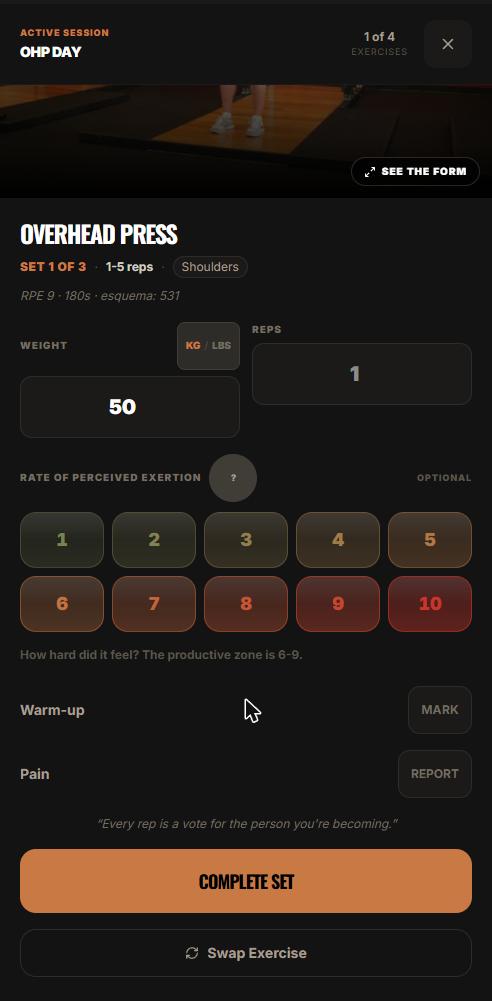
A full workout logging flow, set by set: open today's session, log weight, reps and RPE, mark warm-ups, report pain, and see what changes next session.
Progressive Overload Without a Spreadsheet
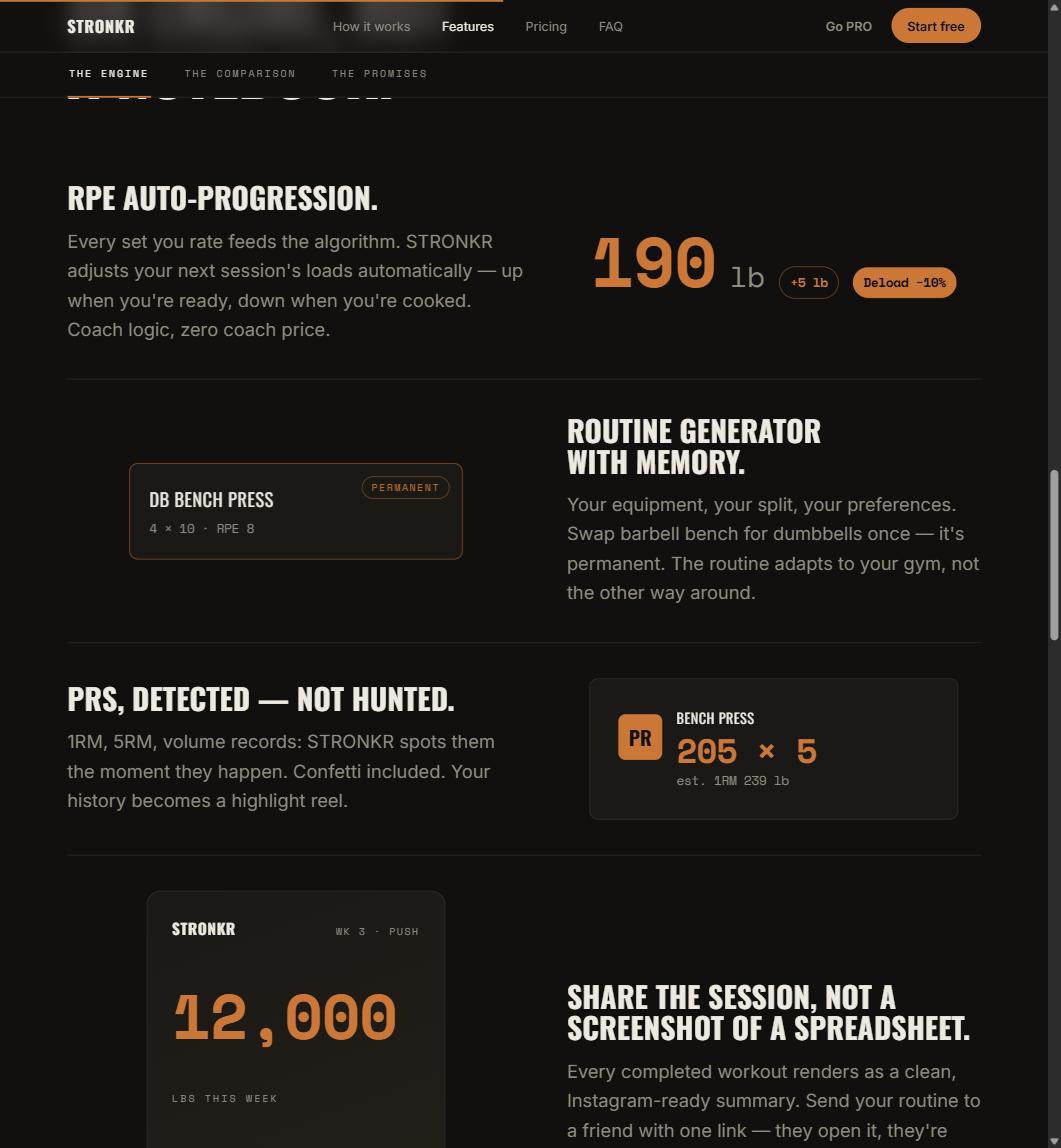
A progressive overload app should do the arithmetic, not just chart it. How Stronkr turns each set's RPE into the next session's load, no sheet needed.