PRs You Didn't Have to Hunt For: Automatic Record Detection

The Stronkr Founder Founder, Stronkr
5 min read
On this page
Automatic PR tracking sounds like a cosmetic feature until you count how many records you have actually missed. Most lifters notice the obvious ones, a heavy single, a rep max on a main lift, and let everything else disappear into the log. The 5RM that beat a set from March. The session that was the most volume you have ever done on that lift. The estimated 1RM that has been climbing since the summer while you were convinced you were stalling.
Those are not consolation prizes. They are the evidence that the last three months worked, and they only exist if something is watching for them. Stronkr detects four kinds automatically, 1RM, 5RM, volume, and estimated 1RM, from the sets you were logging anyway.
Key takeaways
- Stronkr detects 1RM, 5RM, volume and estimated 1RM records automatically from your logged sets.
- You flag nothing. The input is the same weight, reps and RPE you already enter.
- Estimated 1RM moves far more often than a tested max, which makes it the more useful signal.
- History runs 90 days on the free tier and full history on PRO.
What This Looks Like in Stronkr
The detection has no interface of its own, which is the point, it runs off the log you already keep.
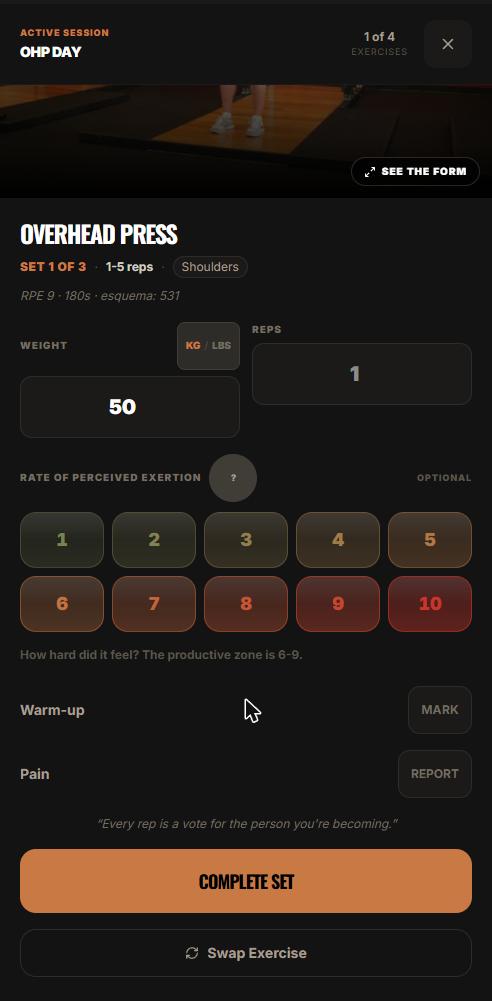
- In the session, you enter weight and reps, rate the set 1 to 10 on the RPE selector, and press COMPLETE SET. That is the entire input, and it is the same input you would give a plain logging app.
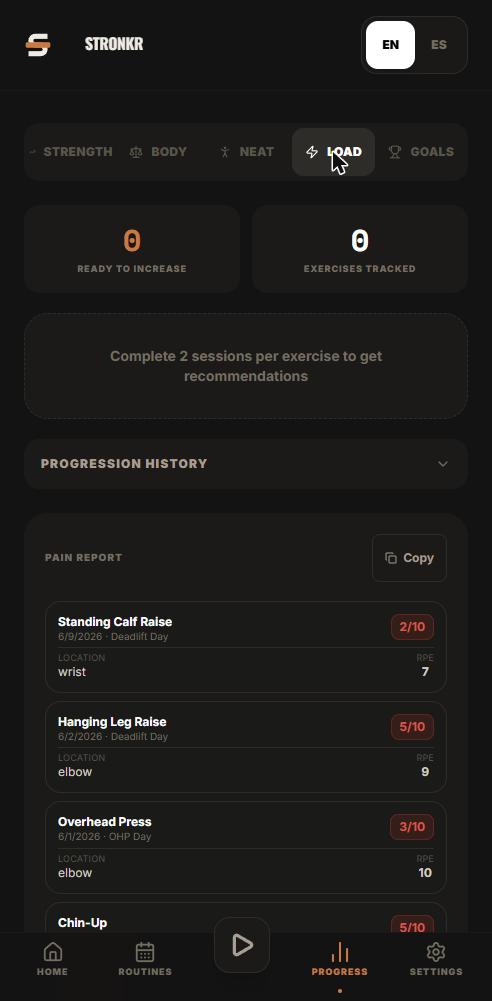
- Open Progress and select Load. The view is organised per exercise, so you are reading one lift at a time rather than a global summary.
- That screen shows the lift’s progression history, the loads you actually worked at, session by session, as logged.
- Beside it sits a ready-to-increase recommendation: the engine’s read on whether that exercise has room right now.
- On the free tier the history window is 90 days. PRO carries full history.
Running underneath all of that, record detection covers four categories, 1RM, 5RM, volume, and estimated 1RM, plus volume tracking across your training. None of it requires you to mark a set as special or remember what your previous best was. Reading that screen properly is a skill in itself, covered in how to read your Progress, Load screen.
What counts as a PR, and why is that more than one number?
Because “personal record” collapses at least four different things into one word, and they move on different timelines.
The heavy single
A 1RM is the version everyone means by default. It is also the one that changes least often, requires the most recovery to test, and tells you the least about whether last month’s training worked.
The rep max
A 5RM is a strength record you set accidentally, in the course of normal training, several times a year. It is far more sensitive to actual progress than a tested single, because you produce candidates for it constantly without a test day.
The work record
Volume is the axis most lifters ignore and the one that moves during hypertrophy blocks and back-off phases. A session that puts up more total work at the same loads is a session where something improved, even though nothing on the bar looked impressive.
A quarter with no 1RM and three volume records is not a wasted quarter. It is a quarter your tracker was not built to describe.
What is an estimated 1RM, and why does it matter more than a tested one?
Because it updates every week instead of every training block.
It comes from sets you already did
An estimated 1RM is a projection of your one-rep maximum derived from a submaximal set, the weight and reps you actually completed, rather than from a max attempt. You do not have to schedule it, peak for it, or find a spotter.
It is a trend line, not a trophy
A tested max gives you two data points a year and a fair amount of fatigue. An estimated 1RM gives you a moving line. That line is what tells you whether your bench is genuinely stuck or just having a bad fortnight, and it is the difference between reacting to noise and reacting to a trend.
Its job is diagnostic, not decorative
If your estimated 1RM has been flat for six weeks while your logged effort at those loads has been rising, that is a specific, actionable picture, and it is the case covered in how to know when to deload without guessing.
If seeing this on your own lifts is more interesting than reading about it, the routine generator takes about two minutes of questions and returns a routine with progression attached, at no cost and without a card.
Why does automatic detection change behaviour at all?
Because the alternative is a maintenance job, and maintenance jobs get abandoned.
Manual PR logs die in week five
Any lifter who has kept a PR sheet knows the pattern: diligent for a month, sporadic for a month, abandoned. The record only gets entered if you notice it in the moment, and you are not in the business of noticing during a set. What survives is the memorable records, not the actual ones.
Detection removes the noticing step
If the app is already storing every set, the comparison is free. You do not have to remember that your previous best five at 245 was in March. The consequence is that the record set gets complete rather than selective, which matters mostly because incomplete data makes progress look worse than it was.
The problem was never that you failed to celebrate a PR. It was that you concluded you were plateaued using a record list you had stopped maintaining.
How does this fit with what the app prescribes?
They are two different layers over the same data, and it is worth being precise about which is which.
Detection reports; the engine decides
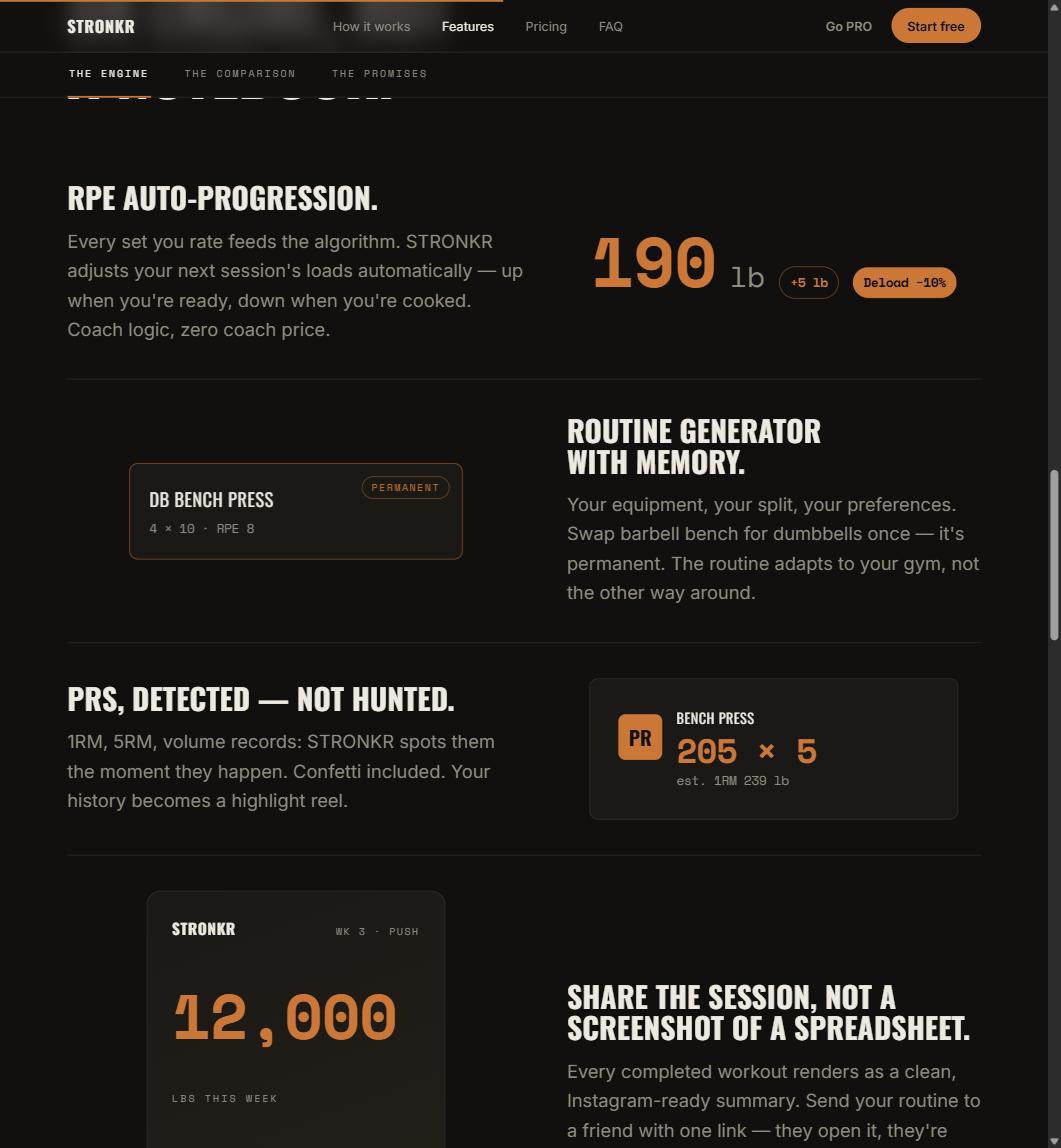
Record detection is tracking. It tells you what happened. The load you get next session comes from RPE auto-progression, which reads the ratings you gave your sets and returns either a target increase such as +5 lb or Deload -10%. The full mechanism is in what RPE auto-progression is and how it sets your next load.
A record tells you the training worked. It does not tell you what to put on the bar on Monday.
Why keeping them separate is the honest design
A record is a description of the past. A prescription is a claim about the future, and it should be driven by what your training is costing you, not by whether you happened to hit a number. Conflating the two is how apps end up congratulating you into a stall. The broader argument for automating the decision rather than the celebration is in progressive overload without a spreadsheet.
Stronkr installs from the browser as a PWA, works offline, and stores volume tracking, automatic PR detection, 90-day history and the progression engine in the free forever core, for $0 with no credit card. Log a month at stronkr.com and see how many records land that you would not have flagged yourself.
Try auto-regulated training
Stronkr reads your RPE after every set and adjusts next session’s load for you. No spreadsheets, no guessing.
Start training with StronkrFrequently asked questions
What is automatic PR tracking?
It is record detection that runs off your normal logged sets instead of requiring you to flag anything. Stronkr identifies four kinds automatically: a 1RM, a 5RM, a volume record, and an estimated 1RM. You log weight, reps and an RPE rating, and the records fall out of that data.
What is an estimated 1RM?
A projection of the most you could lift once, calculated from a submaximal set you actually performed rather than from a max attempt. It lets you see strength change without testing singles, which is why it moves more often and more usefully than a tested max ever does.
Why track volume records as well as load records?
Because plenty of productive training weeks contain no heavy single and no rep record. Total work done is a separate axis of progress, and a block that adds volume at the same loads is a block where something improved. Stronkr tracks volume alongside the load-based records.
How long are my records kept?
Ninety days of history on the free tier, and full history on PRO at $4.99 a month. Within that window the Progress, Load screen shows each exercise's progression history and a ready-to-increase recommendation, so the recent record is always the one in front of you.
Do PRs affect what Stronkr prescribes?
The prescription comes from RPE auto-progression, which reads the ratings you give your sets and returns the next session's load as either a target increase or a deload of ten percent. Record detection is the reporting layer over the same logged data, not a separate decision-making system.
Keep reading
One Session End to End: From Warm-Up to Next Week's Load
A full workout logging flow, set by set: open today's session, log weight, reps and RPE, mark warm-ups, report pain, and see what changes next session.
Progressive Overload Without a Spreadsheet
A progressive overload app should do the arithmetic, not just chart it. How Stronkr turns each set's RPE into the next session's load, no sheet needed.
Reading Your Progress, Load Screen: Push, Hold, or Back Off
Strength progress tracking that answers a question: how to read per-exercise progression history and the ready-to-increase recommendation.