The Spreadsheet Isn't a Habit, It's the Step Your Logging App Skipped

The Stronkr Founder Founder, Stronkr
3 min read
On this page
The spreadsheet is not a habit. It’s the step your logging app decided not to build.
Recording a set is cheap. Committing to a number for next Monday is the part that can be wrong in public, which is why so few apps do it. Stronkr rates each set 1 to 10 and returns one of two things for the next session: a target increase, or a deload. Not mid-workout, and it’s in the free tier, where you can go check it right now.
Why a Tracker Isn’t the Same Thing as a Programmer
A tracker tells you what you did. A programmer tells you what to do next.
Most workout apps are excellent at the first half of that sentence. Weight, reps, sets, a chart trending gently upward if you squint. What they don’t do is take that same data and turn it into a decision. That’s the gap the spreadsheet exists to fill, the one open in a second tab while the “smart” app just shows you your own history back.
What the Rating Actually Buys You
One number, one decision
You finish a set. You tap a number from 1 to 10 for how hard it felt. That’s the entire input. Everything after that is Stronkr’s job, not yours.
The rating isn’t a diary entry. It’s the one piece of information a percentage chart can never have: how the weight actually felt today, not how it was supposed to feel three weeks ago when the plan was written. Stronkr reads that number against your history for the exercise and resolves it to exactly one of two outcomes:
- A target increase, shown as a real number on the bar, like
+5 lb. - A deload, typically
-10%, when the trend says the load is costing you more than it should.
There’s no third option where the app shrugs and hands you a graph. That’s the whole point of Read more What Is RPE Auto-Progression? The full mechanism behind the 1-10 rating: what it measures, what the engine does with it, and why it updates next session instead of mid-workout. .
Why the New Number Waits for Next Monday
One rated set is a noisy sample. A cold gym, a bad night’s sleep, a training partner talking mid-set, any of those can make a single RPE spike mean nothing. A pattern across sessions is a different story, and that’s what the engine is actually reading.
That’s why the prescription shows up next session, not between your current sets. Everything you’re doing right now stays exactly as programmed, decided by you, the way it always was. The number you tap today is simply the input for the decision that comes after this workout ends.
Catching the Deload Before You Stall
A fixed weight rated 7, then 8, then 9 across three sessions isn’t a plateau yet. It’s the two weeks before one.
This is the pattern a lifter running a fixed template almost always catches too late, usually after a missed rep rather than before it. Stronkr watches for that climb at a given load and suggests the deload while there’s still something to protect, not after the session where the bar wins.
The Engine Is the Free Part
Auto-progression, the routine generator, 90-day history, and PR and volume tracking are all in the free forever core, at $0, with no credit card required to see any of it.
Compare Stronkr vs. Strong Both log the set. Only one reads the trend and tells you what to lift next. See what each app actually does with the number.Install from your browser. Start free at stronkr.com. It’s a PWA, so there’s no app store step, and it works offline in a basement gym with no signal. Generate a routine, log one session, and let it tell you what next Monday looks like.

Try auto-regulated training
Stronkr reads your RPE after every set and adjusts next session’s load for you. No spreadsheets, no guessing.
Start training with StronkrFrequently asked questions
Why do I still need a spreadsheet if I already log my workouts?
Because logging and deciding are two different jobs. A tracker records the weight, reps, and RPE you enter. Deciding what to lift next Monday, add weight, hold, or deload, is a separate calculation most apps leave for you to run by hand, which is exactly what a side spreadsheet is for.
What does Stronkr do differently from a normal workout log?
You rate each set 1-10 for how hard it felt. Stronkr reads that rating against your history for the exercise and returns one of two things for next session: a target weight increase, or a deload. The prescription is calculated for you instead of left as a number in a chart.
Does the rating change my workout while I'm still in the gym?
No. The rating you give today updates the prescription you see the next time that exercise comes up, not the sets still in front of you right now. Inside the current session you decide what to do with what's left, same as always.
How does Stronkr know when to suggest a deload?
It watches your RPE trend at a given load, not just the last set. When the same weight starts costing more rated sessions in a row, that's the pattern that shows up before a stall, and it's when Stronkr suggests backing off, before you miss a rep rather than after.
Is the load prescription part of the free plan?
Yes. Auto-progression sits in the free forever core with the routine generator, 90-day history, and PR and volume tracking. No credit card at signup. PRO, at $4.99 a month, adds full history, personalized deloads, multiple routines and advanced analytics.
Keep reading
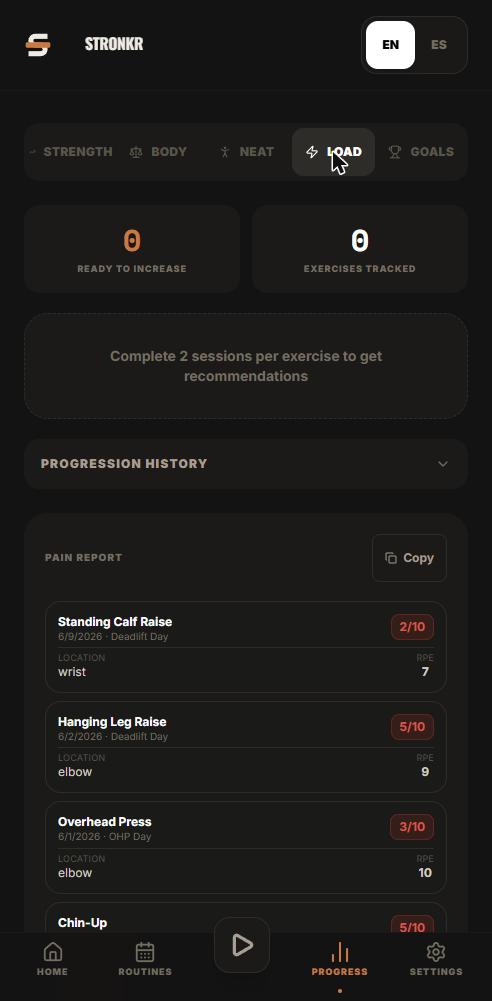
PRs You Didn't Have to Hunt For: Automatic Record Detection
Automatic pr tracking that runs off your normal sets: Stronkr detects 1RM, 5RM, volume and estimated 1RM records without you flagging a single thing.
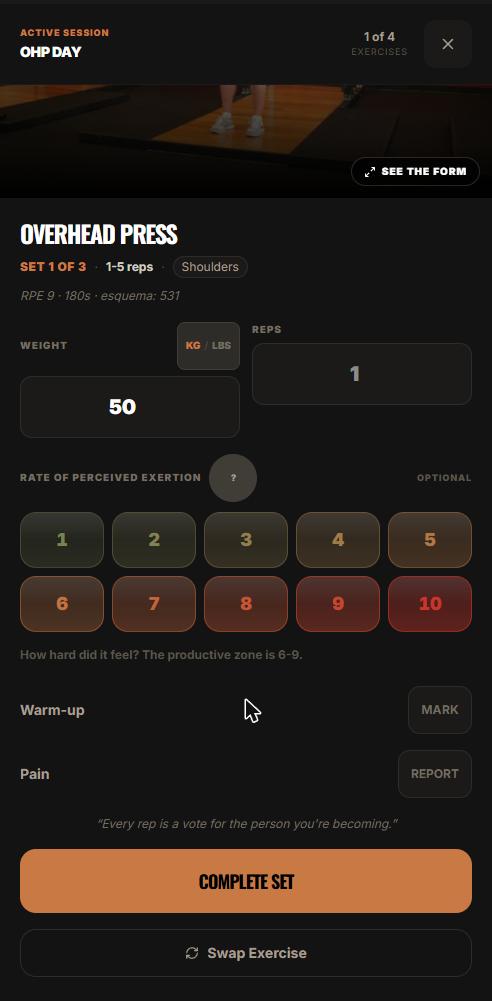
One Session End to End: From Warm-Up to Next Week's Load
A full workout logging flow, set by set: open today's session, log weight, reps and RPE, mark warm-ups, report pain, and see what changes next session.
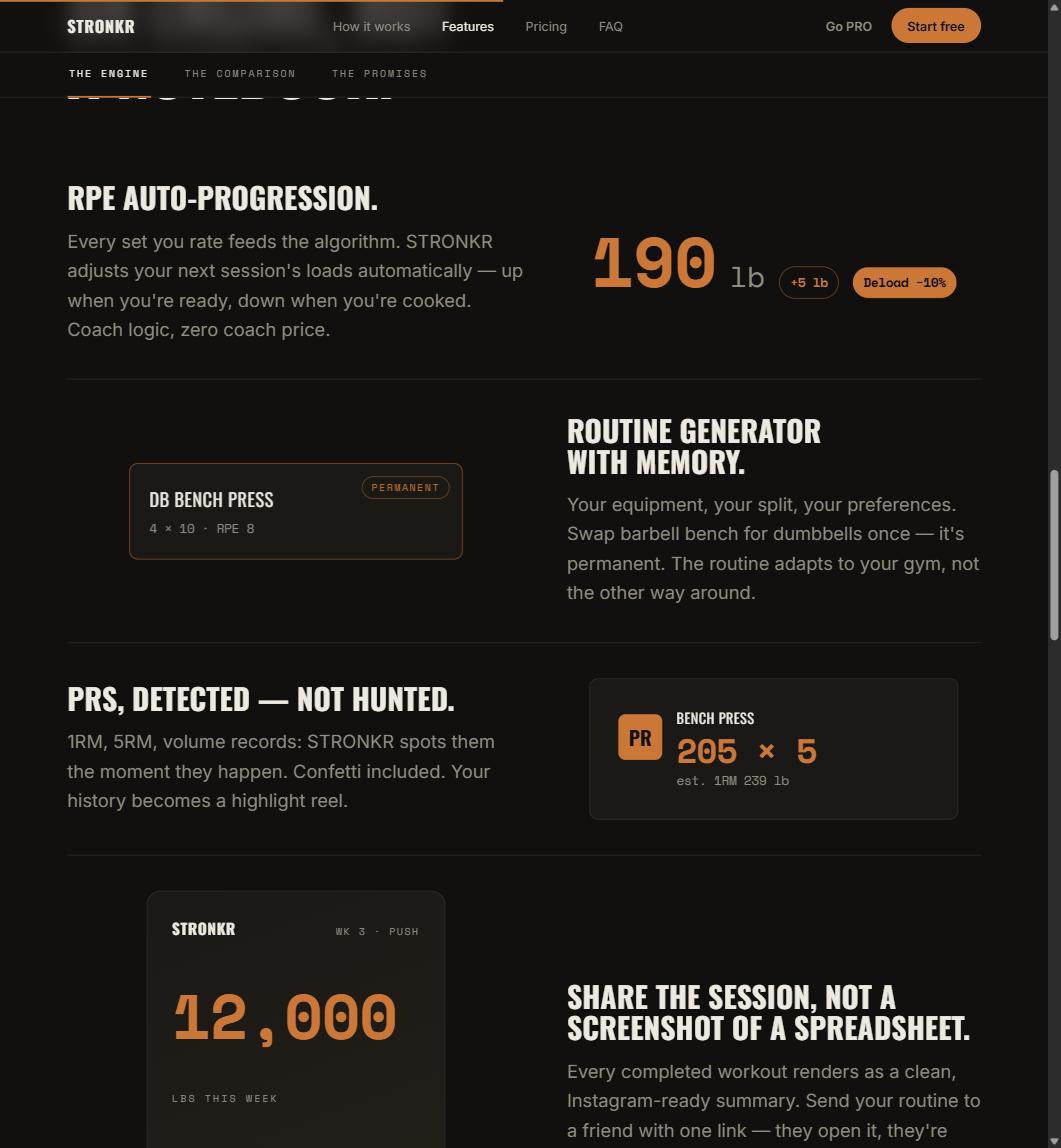
Progressive Overload Without a Spreadsheet
A progressive overload app should do the arithmetic, not just chart it. How Stronkr turns each set's RPE into the next session's load, no sheet needed.